Free · Windows · v0.8.2-beta

Your comics.
Your machine.

PaperBunkr is a local-first library and reader for comics, manga and books, built from the ground up as a successor to ComicRack. Your library lives on your computer: no cloud, no account.

Windows 10 or later · self-contained installer · updates itself

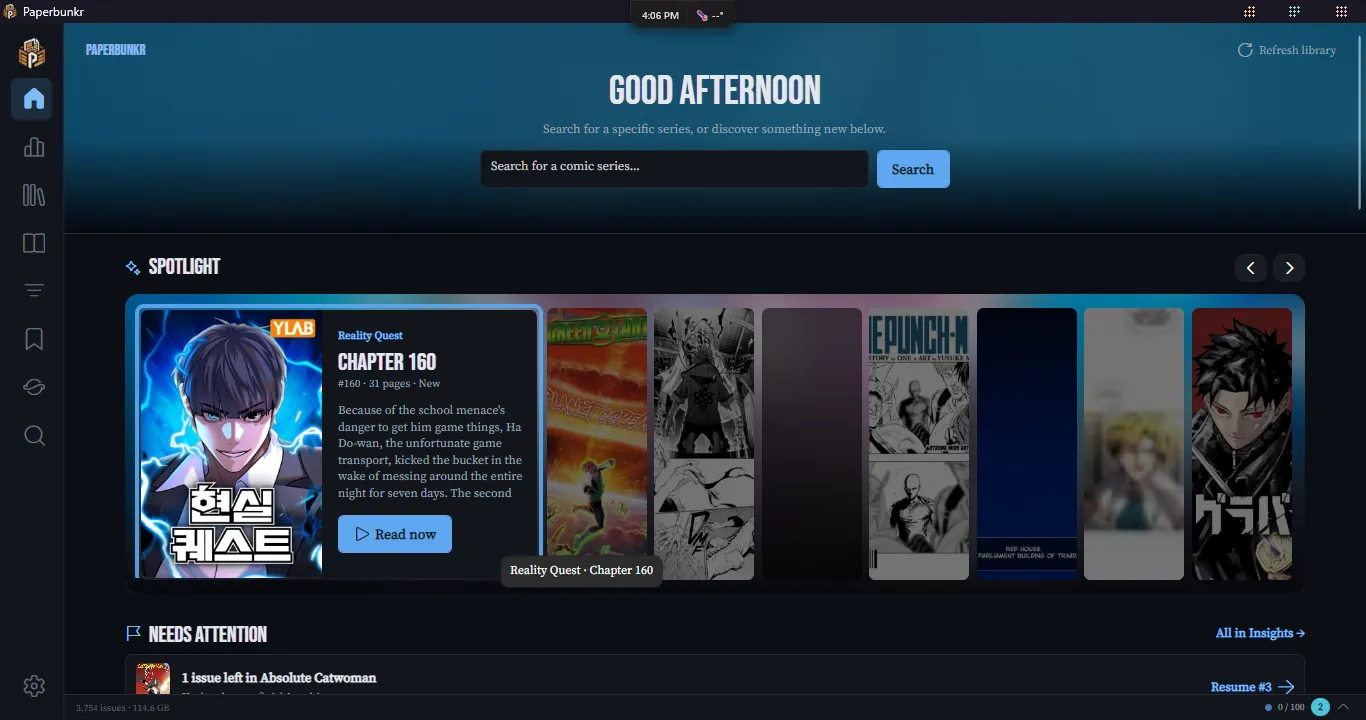
PaperBunkr's Home screen: a featured Venom issue, library search and a Continue Reading row of covers

What it does

A library manager and a reader, not just a viewer

Everything runs on your own machine against your own files. Here is what that covers today.

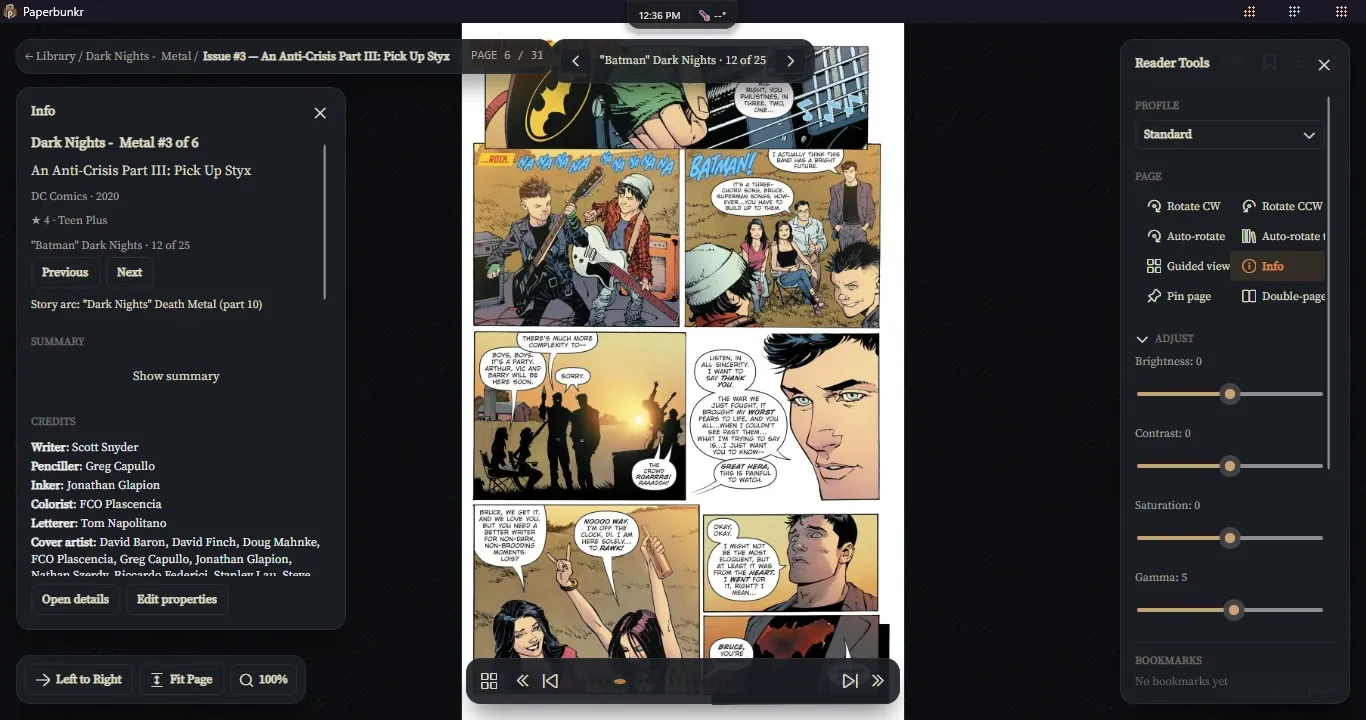
The comic reader with the Info panel on the left and the Reader Tools drawer on the right

01 · Read

A reader built for long sessions

Real page rendering for comics and manga, and a separate reflow reader for novels.

  • Guided view steps through a page panel by panel
  • One smooth zoom range from 25% to 400%, with auto levels, sharpening and auto-crop
  • Double-page spreads, continuous and webtoon scroll, right-to-left manga
  • Reader profiles, a warm night tint, eye-rest reminders and Xbox controller support
  • The next issue opens in the background, so moving on is instant
  • An Info panel with credits, your place in the reading list and Previous / Next
  • Books: EPUB, PDF, FB2 and MOBI/AZW3 with highlights and notes
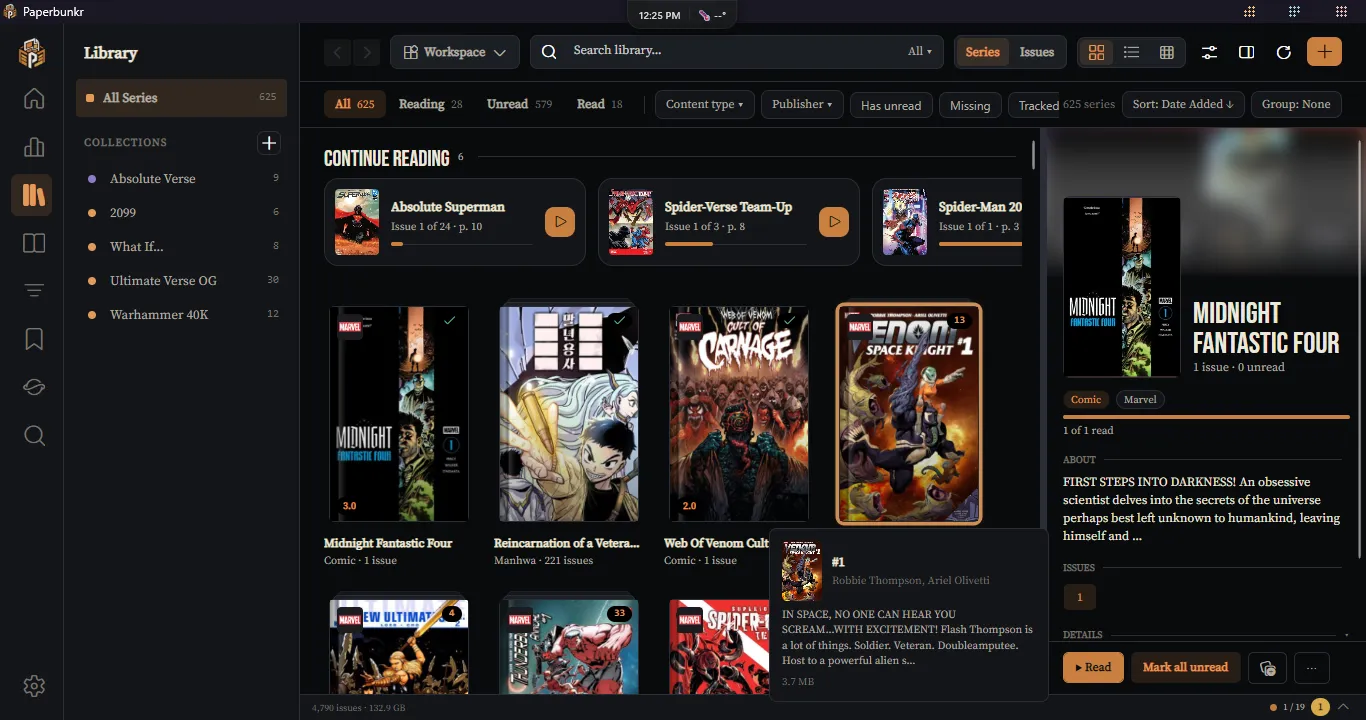
The Library grid with the Collections sidebar and a preview panel for the selected series

02 · Organise

A library that stays tidy

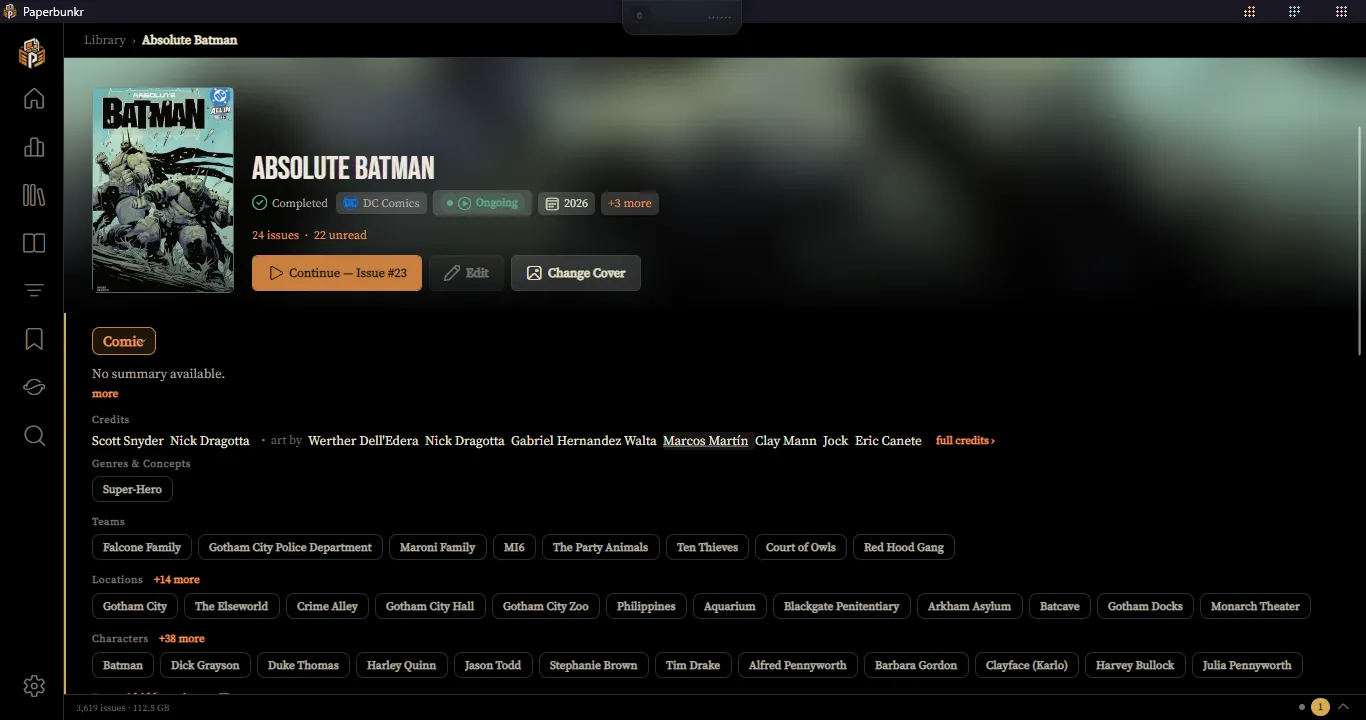
Series are real records, not a text field, so everything built on them stays consistent.

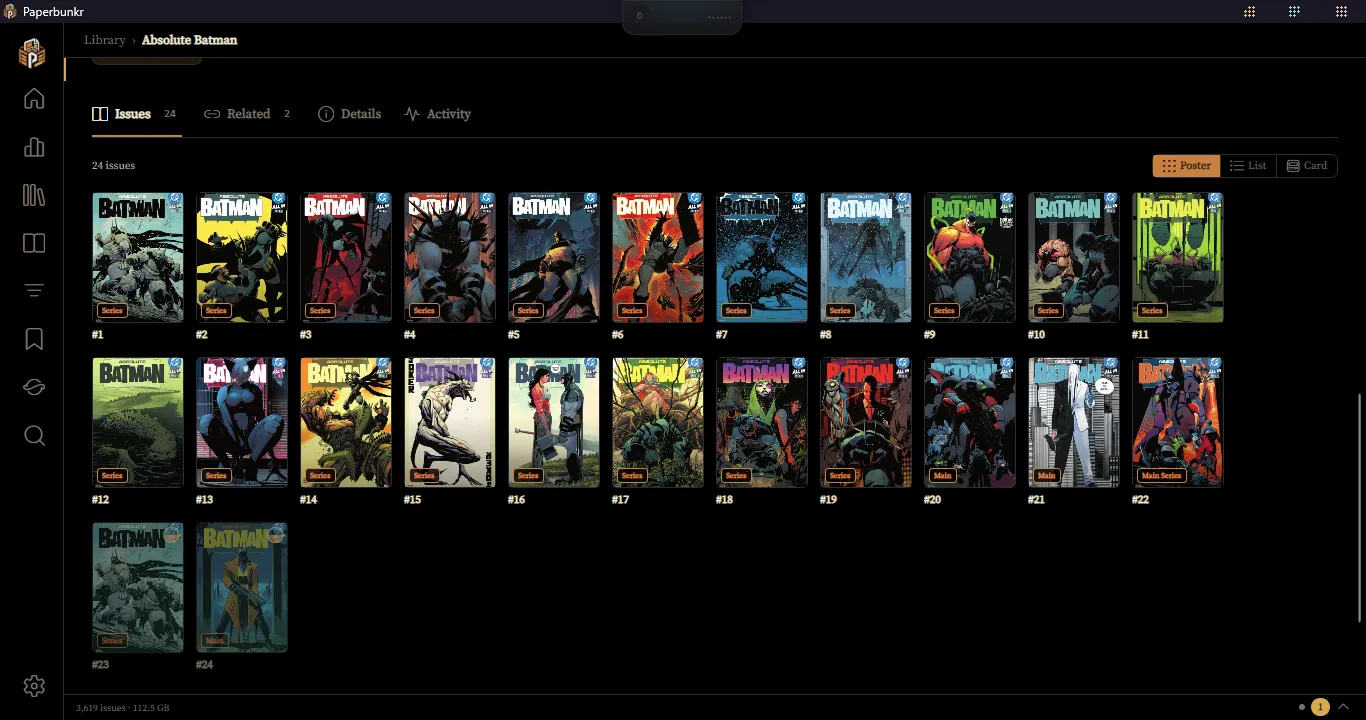
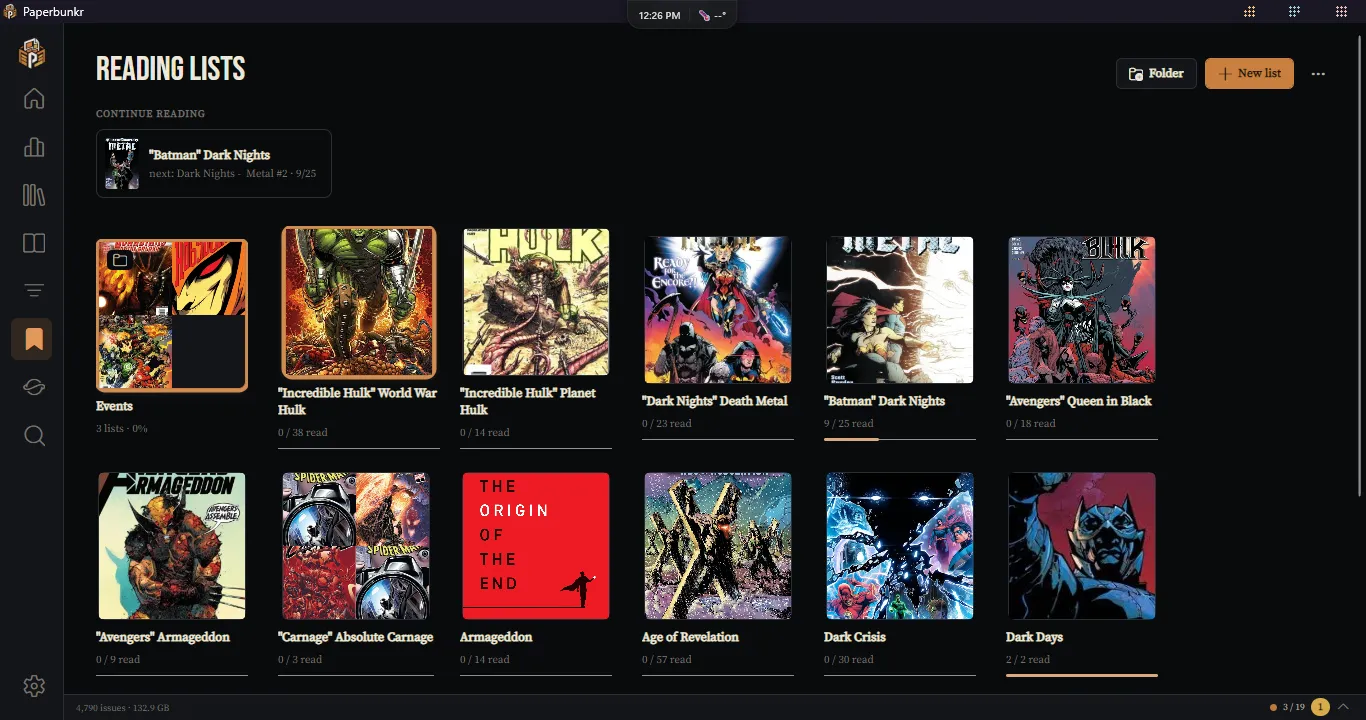
  • Series and issue views, Collections and saved Workspaces
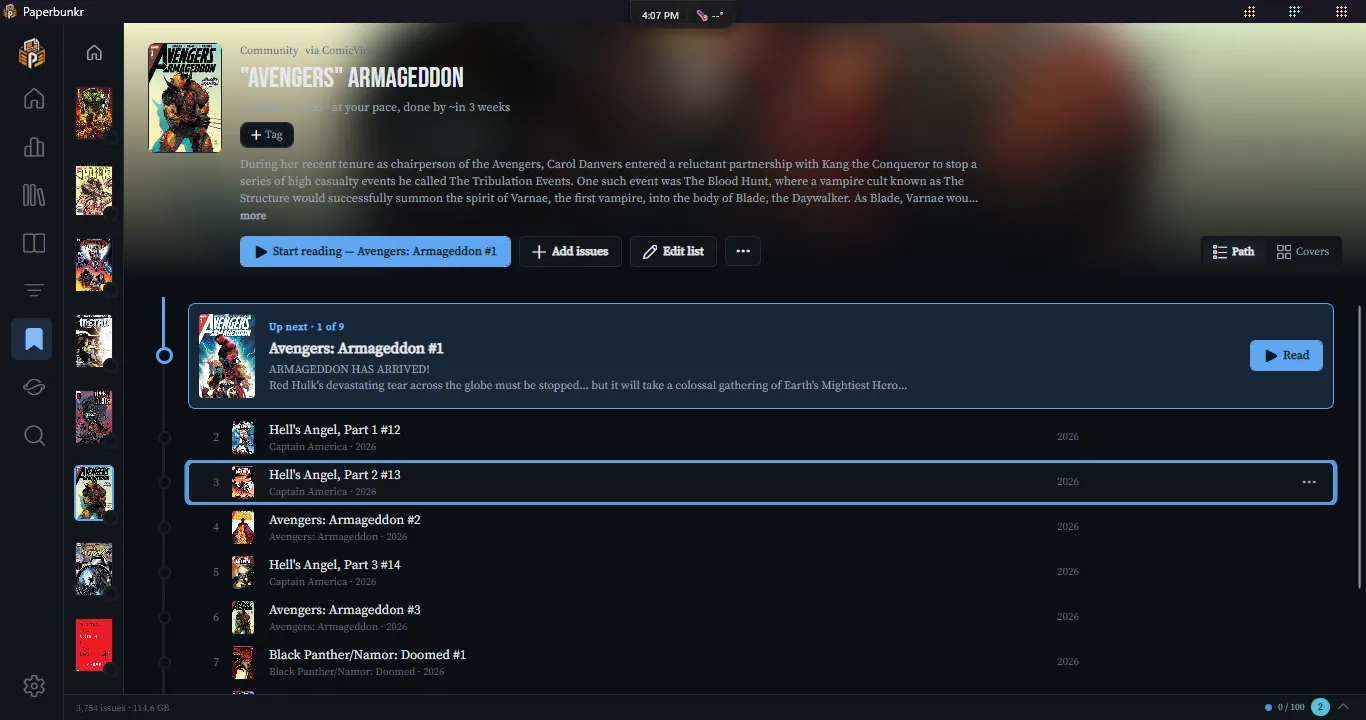
  • Smart Lists with nested AND/OR rules and a template gallery, and Reading Lists that import CBL and CSV
  • Every list remembers its own layout, and layouts can be saved by name
  • Virtual Tags that apply themselves by rule
  • Single and bulk metadata editors, with optional ComicInfo.xml write-back
  • Library Organizer to rename and file comics by template
  • Library Health finds missing files, duplicates and anything that needs a second look
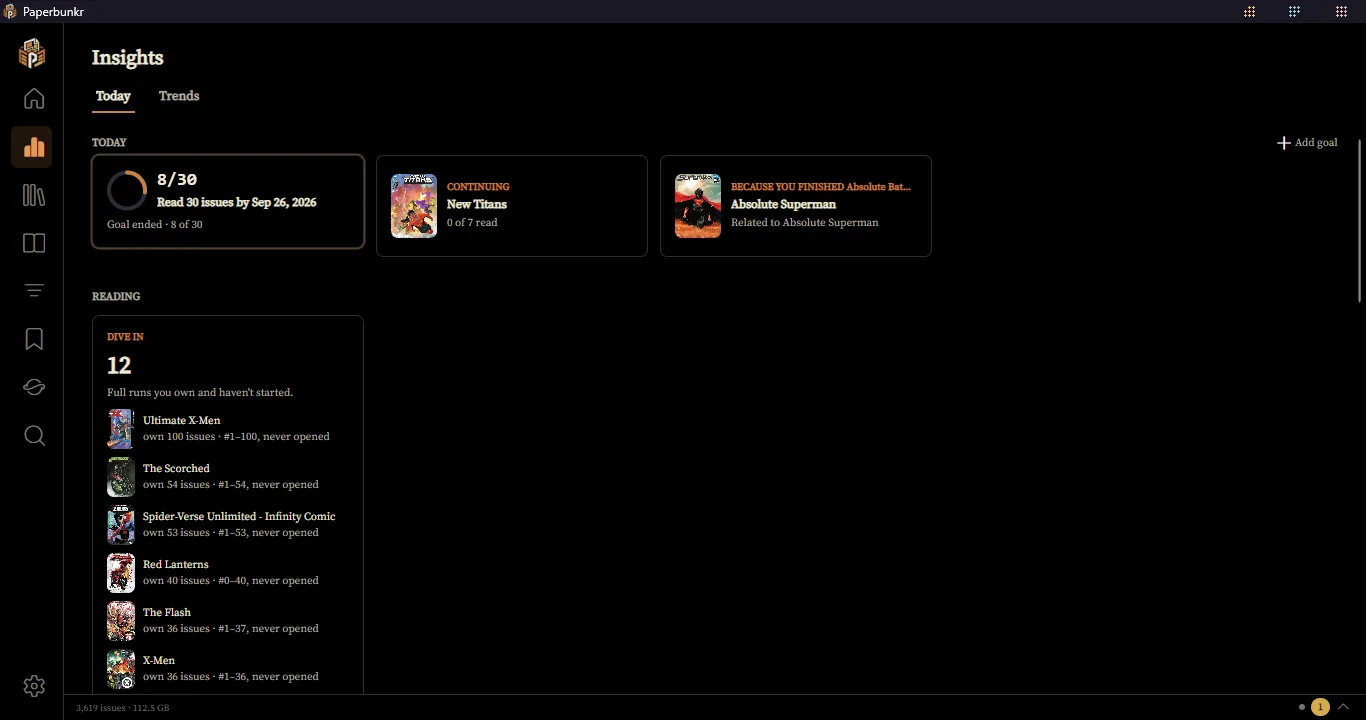
Insights, Today tab: a reading goal, what to continue, a "because you finished" pick and unstarted runs

03 · Discover

Know what to read next

Your reading history and a relationship-aware engine decide what comes up, not an ad feed.

  • Home picks up where you left off, shows what to read next and suggests "because you read…" series
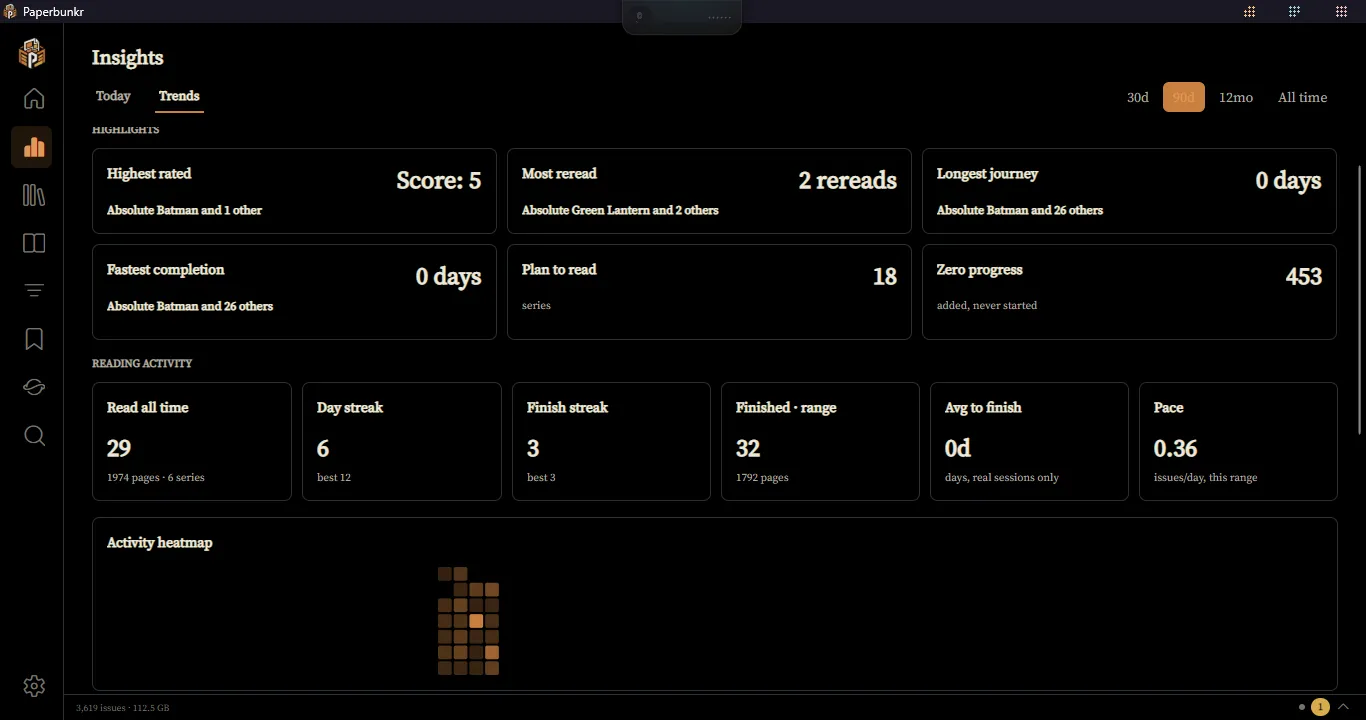
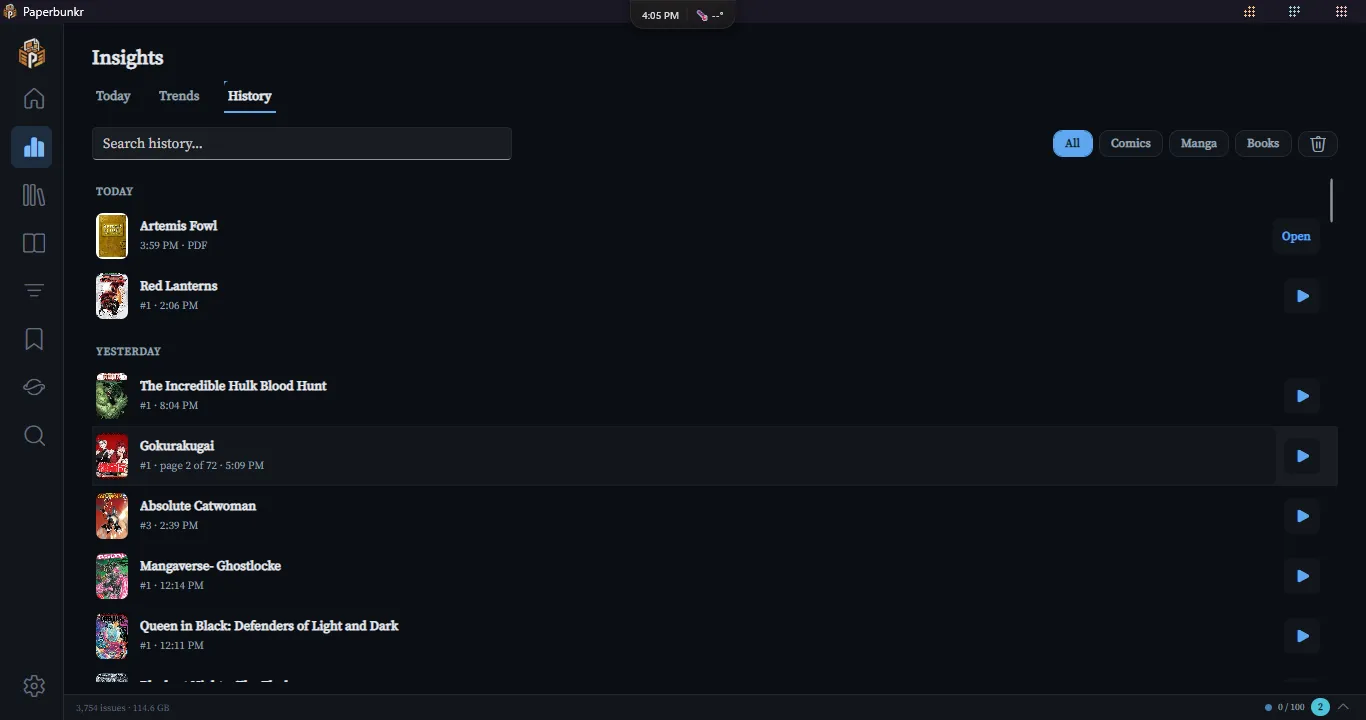
  • Insights: reading goals, trends against the last period, and a year-in-review recap
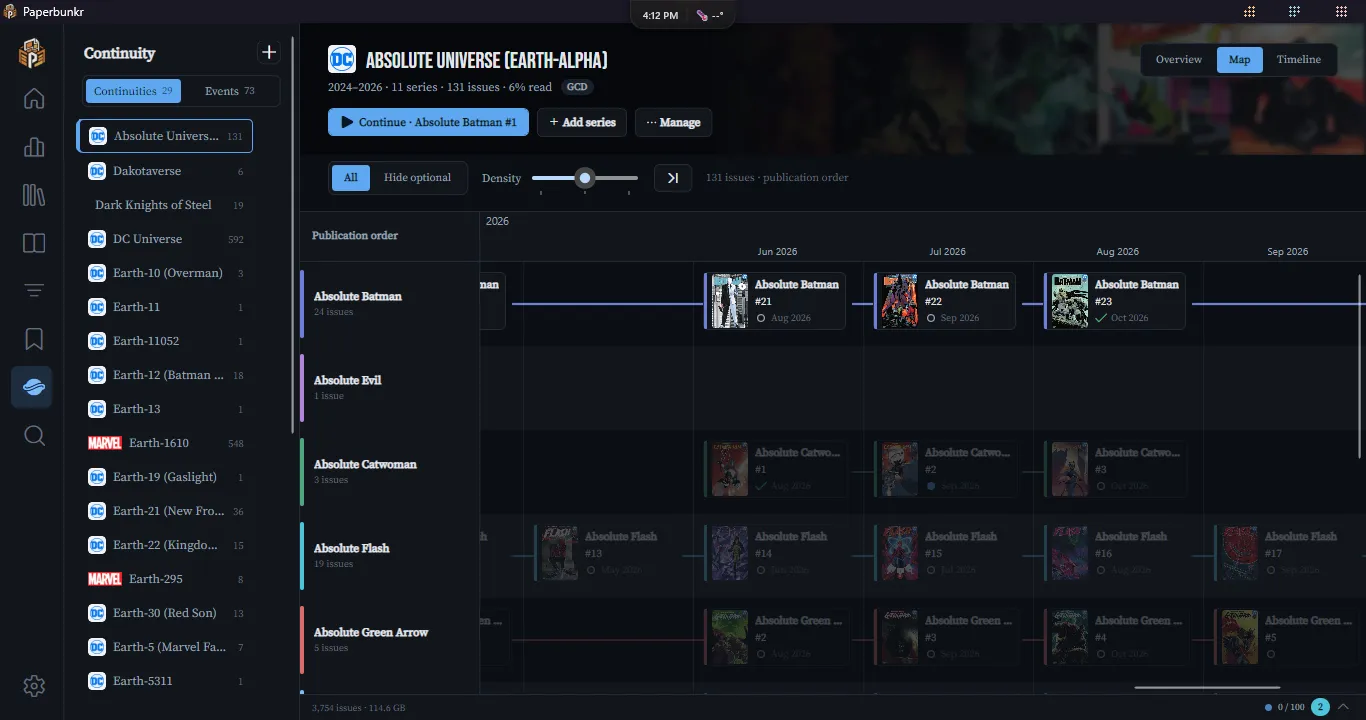
  • Story Events and Continuities that tie issues together across series, suggested for you
  • Metadata and covers from ComicVine and Metron, matched by cover before they are applied
  • Manga tracking with AniList, MangaBaka, MangaUpdates, MangaDex and Kitsu
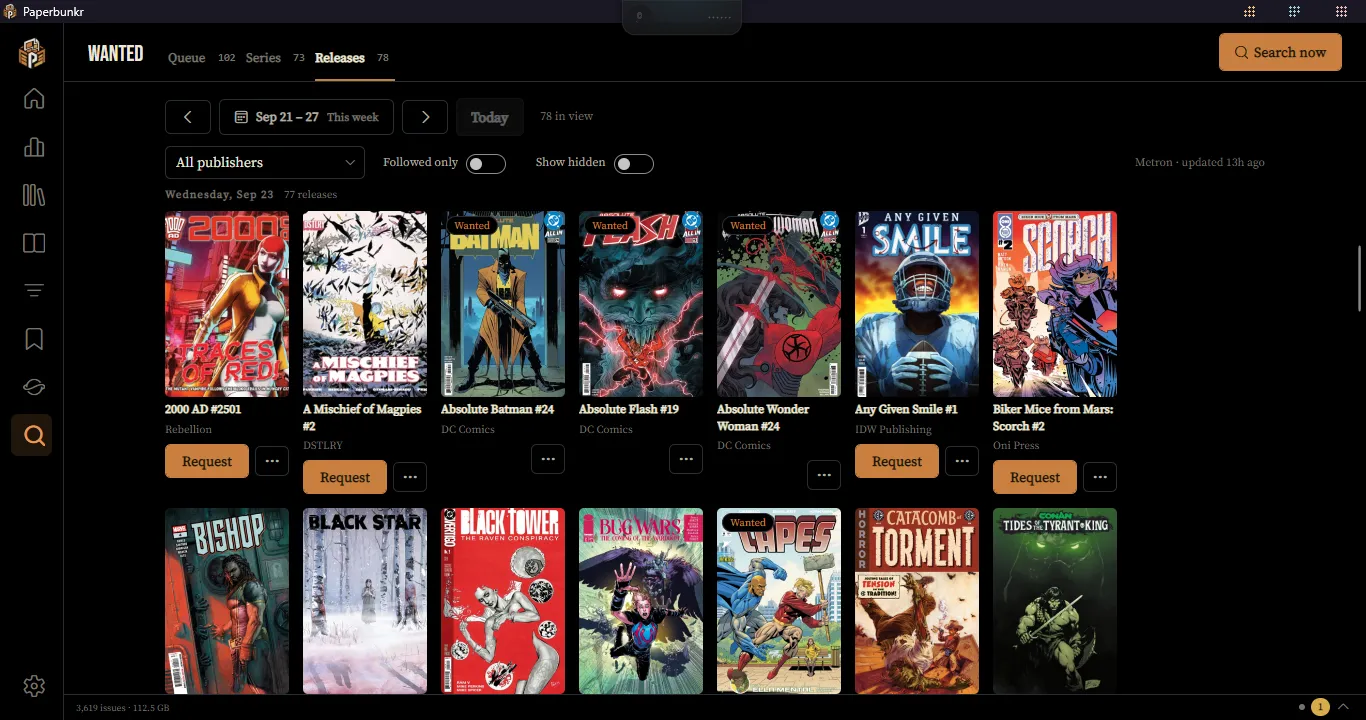
  • A Wanted list and a weekly pull list of new releases for the series you follow
  • A Metron account sync keeps your pull list, collection and wish list in step with the library
  • Series types (manga, manhwa, comic) are suggested from your trackers, with review and Undo
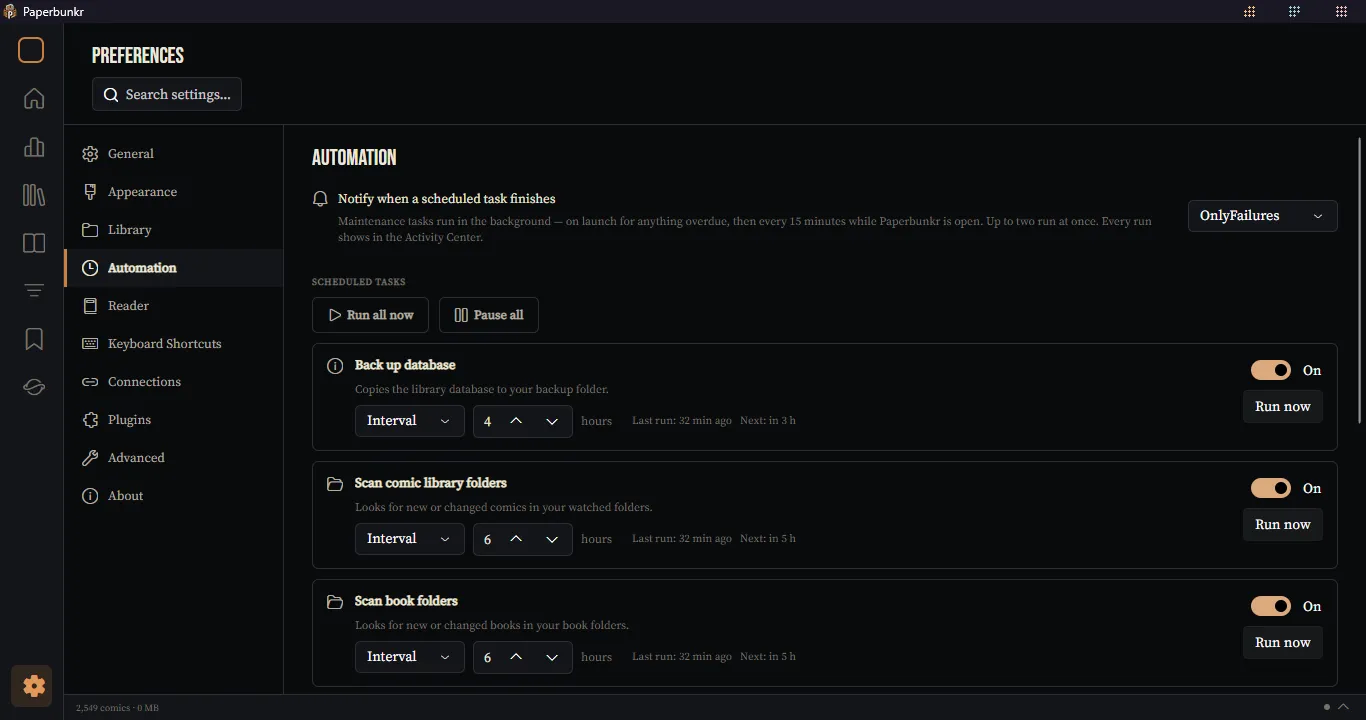
Preferences, Automation: scheduled tasks with intervals and Run now buttons

04 · Automate

Maintenance that runs itself

The chores happen in the background, on a schedule you set, and report back quietly.

  • Scheduled rescans, database backups, cover checks and ad-page detection
  • An Activity Center in the status bar for every job and alert
  • Plugins with their own package manager, a plugin API and Python commands

Coming from ComicRack CE?

Bring your whole library with you

PaperBunkr started as a ground-up rewrite of ComicRack, checked against Community Edition's own source for the behaviour that matters. Point it at your ComicDb.xml and it does the rest.

Read the import guide
  • Non-destructive import

    Series, issues, read state and metadata come across from ComicDb.xml. Your CE install is never touched, and the import is safe to re-run.

  • Duplicates caught early

    Near-identical series names are flagged before anything is written, so you can merge them or keep them apart.

  • Guesses you can review

    Where CE had no answer (manga vs. manhwa, for one), the guess lands in Library Health to confirm later.

  • Familiar where it counts

    CE's publisher icon pack, reader textures, auto levels and the Library Organizer's templates are all here.

Get started

Three steps from download to reading

  1. Install

    Run the installer. It bundles its own .NET runtime, so there is nothing else to set up.

  2. Add your folders

    Point PaperBunkr at your comics and books. It scans them and builds a library database on your machine.

  3. Or import from CE

    Coming from ComicRack? Bring over your series, issues, read state and metadata from Preferences → Library.

Guides for every screen are in the wiki. To build from source, see the README.